
Monizze Pay — Pay with your phone.
Your Monizze card dreams of a new life.
With Monizze Pay, you pay in store with your phone, directly from your Monizze app.

Who is it for?
I am…
Beneficiary
You use your Monizze vouchers every day
Activate Monizze Pay in your app and pay with your phone, in store, across the entire Monizze network.
I'm a beneficiaryEmployer
You manage your employees' benefits
Monizze Pay is free for you and your employees. Roll it out easily with our ready-to-use communication kit.
I'm an employerMerchant
You already accept Monizze vouchers
Nothing to change. Nothing to install. If you accept the Monizze card, you already accept Monizze Pay.
I'm a merchant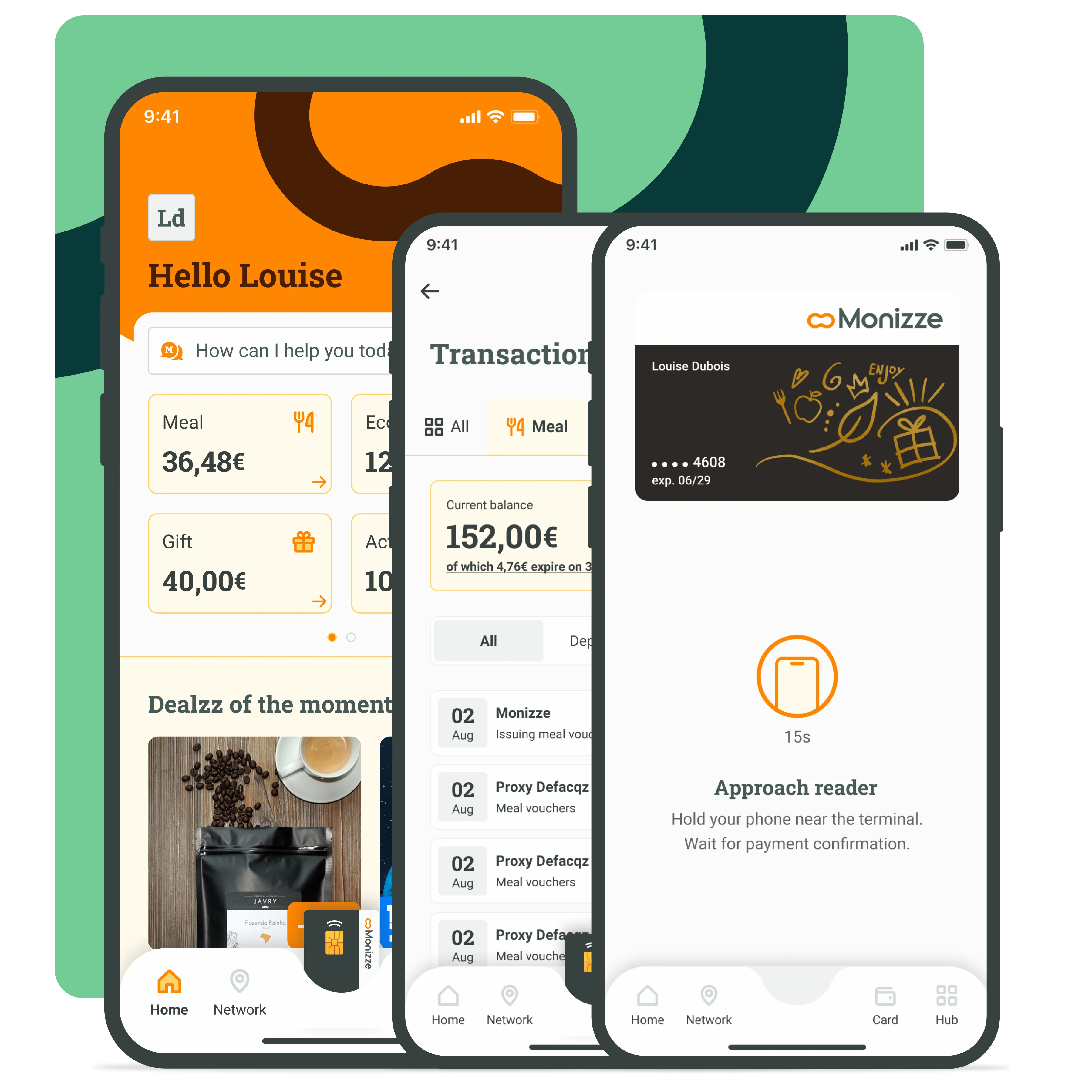
What is Monizze Pay?
Monizze Pay is your Monizze card in your phone.
- Works for meal vouchers, eco-cheques and gift vouchers
- Pay in store, across the entire Monizze network
- Fully secured via your Monizze app
- 100% Monizze. 100% Belgian.
Not Google Pay. Not Apple Pay. Just Monizze.
A Belgian solution, designed for the entire ecosystem.
We could have gone through Google Pay or Apple Pay, which generally work via Visa and Mastercard networks. But we preferred to develop our own system: Monizze Pay.
Monizze Pay works via our Belgian payment network. This choice is our way of meeting our users' needs while protecting merchants.
FAQ
Frequently asked questions
Is my phone compatible?
Is my phone compatible?
How do I activate Monizze Pay?
How do I activate Monizze Pay?
- Open your Monizze app.
- Go to the Card page, click on "Monizze Pay" and follow the activation steps.
- Done.
How do I pay in store?
How do I pay in store?
- Tell the cashier which type of voucher you're using (meal, eco or gift).
- Open your Monizze app (code or biometrics).
- Tap the image of your card at the bottom of the screen (iOS: then tap "Pay").
- Hold your phone near the payment terminal.
- The confirmation screen appears: done.
Is Monizze Pay free?
Is Monizze Pay free?
What's the difference with Google Pay or Apple Pay?
What's the difference with Google Pay or Apple Pay?