
Monizze Pay — With Monizze Pay, your customers now pay with their phone.
For you? Nothing changes.
Your customers pay with their phone exactly as they do with their card. That's it.
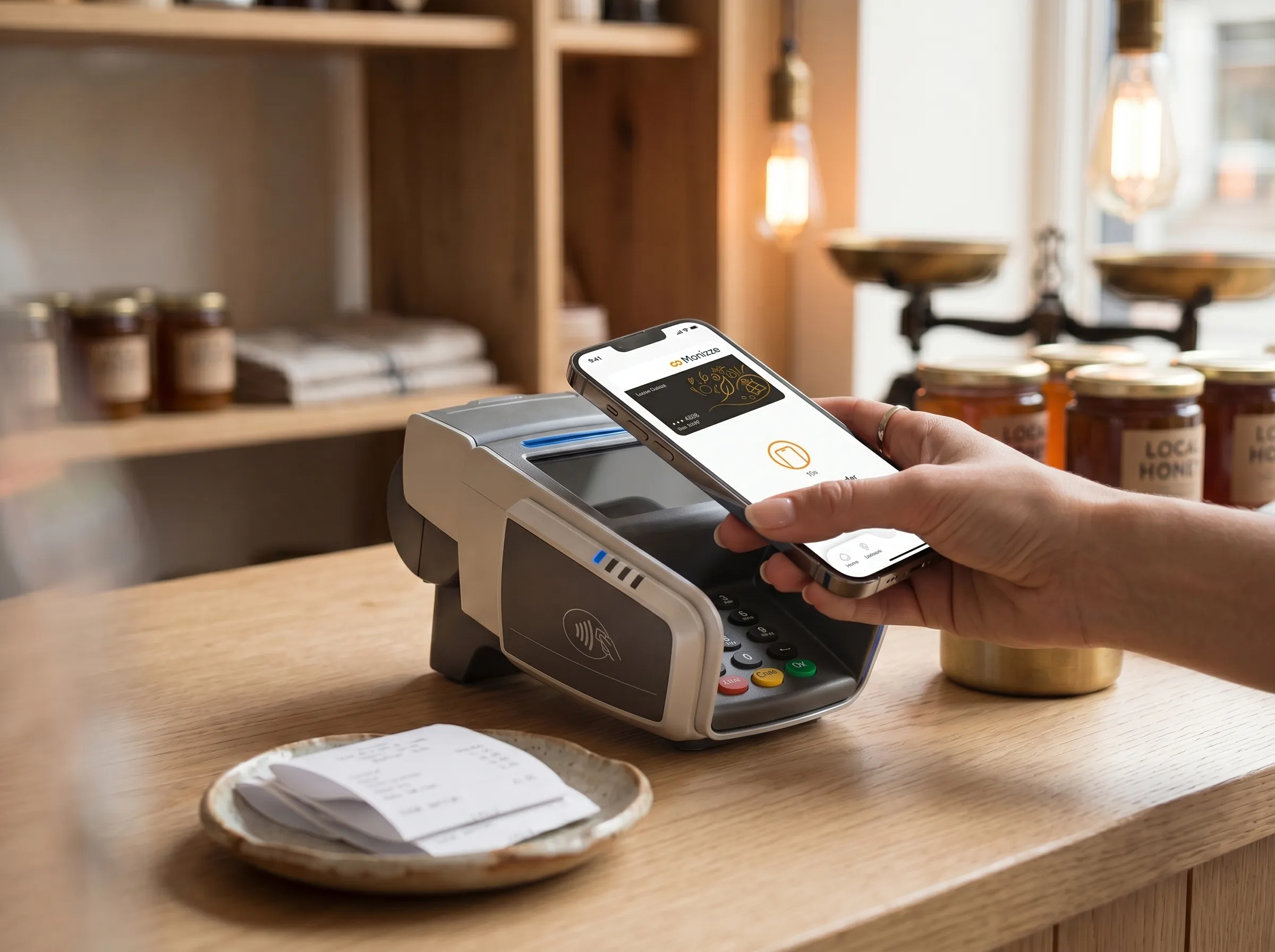
What is Monizze Pay?
Monizze Pay is a mobile payment feature built directly into the Monizze app. It lets your customers pay at your NFC terminal with their smartphone, no physical card needed, with no additional steps required on your end.
Monizze Pay works for meal vouchers, eco-cheques and gift vouchers, in all shops and restaurants affiliated with Monizze.
Same terminal. Same process.
Nothing to do on your end
Not yet affiliated with the Monizze merchant network? Find out here.
At the checkout
What happens at the checkout?
- 1Select the right type of voucher on your terminal (meal, eco or gift)
- 2The customer opens their Monizze app and holds their phone near the terminal
- 3The terminal confirms: transaction complete
Tips
- Do not select "credit card" or "debit card". Stay on the standard Monizze payment mode.
- If a customer tries to pay via Google Pay or Apple Pay by double-clicking the side of their phone, ask them to open their Monizze app.
Prepare your team
- 1A customer pays with their phone → treat it like a Monizze card payment
- 2Select the right type of voucher on your terminal
- 3The customer hasn't opened their app? Ask them to open the Monizze app and tap the image of the card
Monizze Pay, designed to protect your business.
Not Visa, not Mastercard, just Monizze.
For mobile payments, we could have gone through Google Pay or Apple Pay, which generally work via Visa and Mastercard networks. We chose to create our own solution, in order to protect the entire Belgian ecosystem.
FAQ
Frequently asked questions
Do I need to do anything to accept Monizze Pay?
Do I need to do anything to accept Monizze Pay?
Are there any additional fees?
Are there any additional fees?
Is correct voucher use respected?
Is correct voucher use respected?
Is it the same as Google Pay or Apple Pay?
Is it the same as Google Pay or Apple Pay?