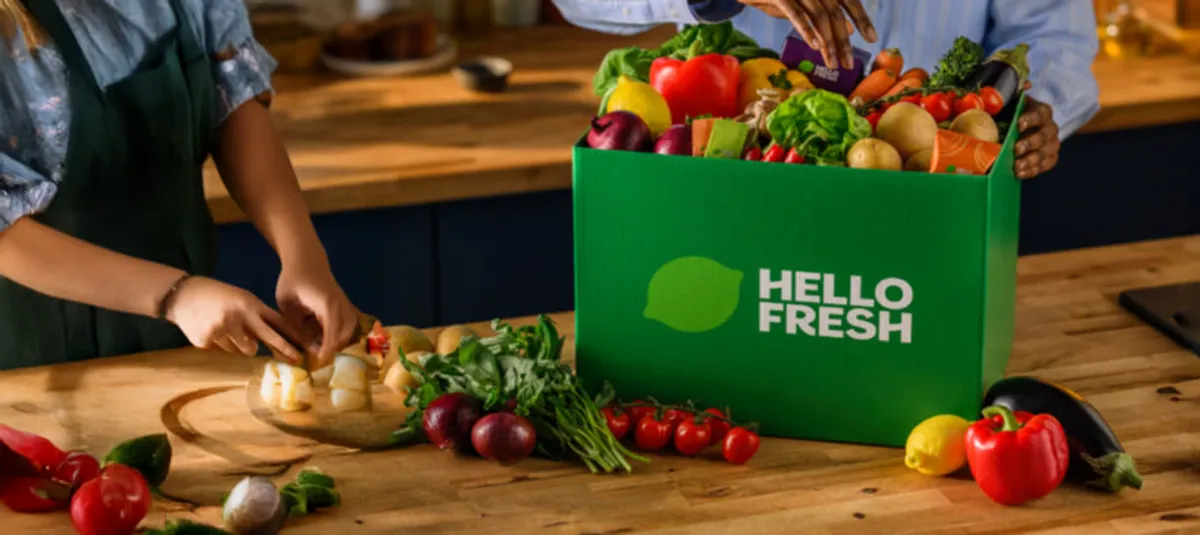
Great news! You can now use your Monizze meal vouchers for your HelloFresh subscription, directly on the HelloFresh website or app.
And for new HelloFresh customers: get up to €65 off plus free snacks for 2 months. This great promo runs until 31 May 2026 (promo link below).
HelloFresh in a nutshell
HelloFresh is the answer to the daily question: “What are we having for dinner tonight?”
You choose:
- how many people (solo, duo, family…)
- how many meals per week
- your menu mix from a wide range: veggie, meat, fish, quick recipes, lighter options, family-friendly dishes…
- delivery at the time that suits you best
HelloFresh takes care of the rest: fresh ingredients, perfectly measured portions, and varied recipes that are easy to prepare at home — even on a busy weeknight.
Good to know: HelloFresh works on a subscription basis, which you can of course cancel at any time.
How to pay HelloFresh with Monizze: step by step
Step 1: Unlock your “key” (once in the Monizze app)
To add Monizze as a payment method on HelloFresh, first activate your Monizze Virtual Visa card in the Monizze app.
On the Monizze app home screen, you will see a HelloFresh banner. Is it greyed out? That means your Virtual Visa card has not been activated yet.
Click on the banner and follow the activation steps.
Once your Monizze Virtual Visa card is activated, you will receive a confirmation by email and push notification.
Activation can take up to 60 minutes.
Your card details are always accessible in the Monizze app under “Card”.
You only need to activate your Virtual Visa card once.
Keep in mind
- The Monizze Virtual Visa card is 100% digital and is different from your physical Monizze card
- It is linked to your meal voucher balance
- For now, it only works at HelloFresh
Step 2: on HelloFresh, choose… VISA (yes, really)
On HelloFresh or in the HelloFresh app:
- Go to your account / payment settings
- Add a new payment method
- Select VISA
- Enter your Monizze Virtual Visa card details (find them in the Monizze app → Card)
- Save
That’s it: your boxes will be paid automatically with your meal vouchers.
Tip: make sure your order amount does not exceed your available meal voucher balance.
Already a subscriber? Don’t forget to select your Monizze Virtual Visa card as your preferred payment method.
Up to €65 off & free snacks
New to HelloFresh? With Monizze, get up to €65 off & free snacks for 2 months. Only via the link below (valid until 31 May 2026).
Subscribe now and enjoy your benefit
Frequently asked questions
“I don’t see ‘meal vouchers’ on HelloFresh — is something wrong?”
No, everything is working correctly. Payment goes through the Virtual Visa card. On HelloFresh, simply choose VISA as your payment method — that is how you pay with Monizze.
“Can I use my Monizze Virtual Visa card on other websites?”
Not yet. For now, the Monizze Virtual Visa card only works at HelloFresh, but more is coming!
“What if I don’t have enough meal vouchers in my account?”
HelloFresh deducts your meal vouchers weekly. If you think your order will exceed your balance, remember to change your payment method in advance for that delivery.
Enjoy your meal!
Need help? Our team is available via our contact page.